Buffalo City Tenders: 7 Sources to Find Local Opportunities
Discover 7 useful sources for Buffalo City tenders, including BCMM notices, procurement portals, provincial listings and tender-management tools.
Published
Finding Buffalo City tenders can mean checking several buyers and submission systems. A project in East London might be advertised by the municipality, its development agency or a provincial department. Start by identifying the buyer, then confirm the notice, bid pack, amendments and submission instructions at source.
These seven sources cover local and provincial opportunities, a national search portal and a tool for tracking bids. No listing or alert overrides the buyer's current documents.
Table of Contents
- 1. Buffalo City Metropolitan Municipality Tender Documents
- 2. Buffalo City Metropolitan Municipality E-Procurement Vendor Portal
- 3. Buffalo City Metropolitan Development Agency Tenders
- 4. South Africa's eTenders Portal
- 5. TenderDirect
- 6. Eastern Cape Department of Transport Tenders
- 7. Eastern Cape Department of Public Works and Infrastructure Tenders
- Buffalo City Tender Sources: 7-Point Comparison
- Build a Reliable Tender-Monitoring Routine
1. Buffalo City Metropolitan Municipality Tender Documents
If BCMM is the buyer, start with its tender documents page. Listings cover annual tenders, formal tenders and formal requests for quotation, with contract references, closing dates and downloadable documents.
The value of checking formal tenders is clear: in 2018/19 BCMM awarded approximately R903.36 million in formal tenders, compared with R134.31 million in quotations, according to published research on BCMM procurement routes.
What works and what doesn't
- Strengths: Direct, free notices, plus tender-opening and award records.
- Limitation: A listing may point to another submission system.
Download the full bid pack and check for addenda. Use the current documents, not the listing summary, to confirm the deadline and delivery method.
2. Buffalo City Metropolitan Municipality E-Procurement Vendor Portal
The BCMM e-procurement vendor portal matters when a notice directs suppliers to register, access an RFQ or submit online. Set up your profile early so login issues do not become closing-day problems.
Do not assume every BCMM bid goes through the portal. Some require physical delivery or another process. Follow the submission channel in the current notice. Save your receipt or delivery proof, pricing schedule and clarification correspondence.
That audit trail is worth keeping. BCMM's 2023/24 oversight presentation to Parliament flagged procurement-control issues, including tender validity extensions and bid-register verification.
3. Buffalo City Metropolitan Development Agency Tenders
BCMDA is a separate buyer. Its tenders page carries formal and informal notices, documents, bid registers and award information. Opportunities have included construction panels, built-environment services, security and equipment.
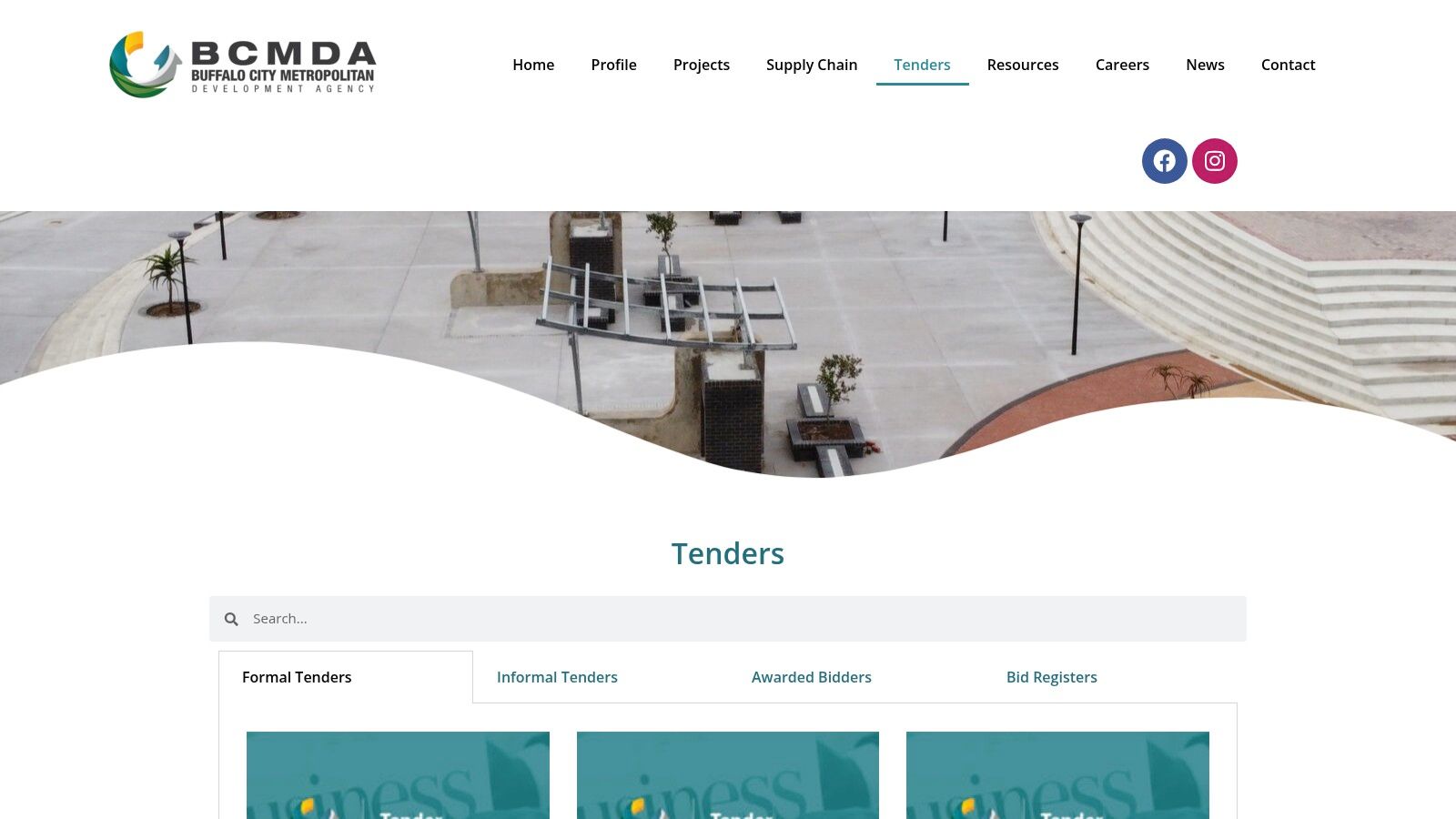
Registers and awards can help you assess competition before committing time to a bid.
The trade-offs to weigh
- Strength: Another local public-sector buyer with its own procurement records.
- Best fit: Construction and professional-services suppliers.
- Watch for: Agency-specific eligibility, briefings and submission rules.
A panel appointment may make you eligible for future work; it does not guarantee an order.
4. South Africa's eTenders Portal
The National Treasury eTenders portal lets you search public-sector opportunities by keyword, province, buyer, category and status for free. Try Buffalo City, East London and Eastern Cape, then verify the buyer and project location.
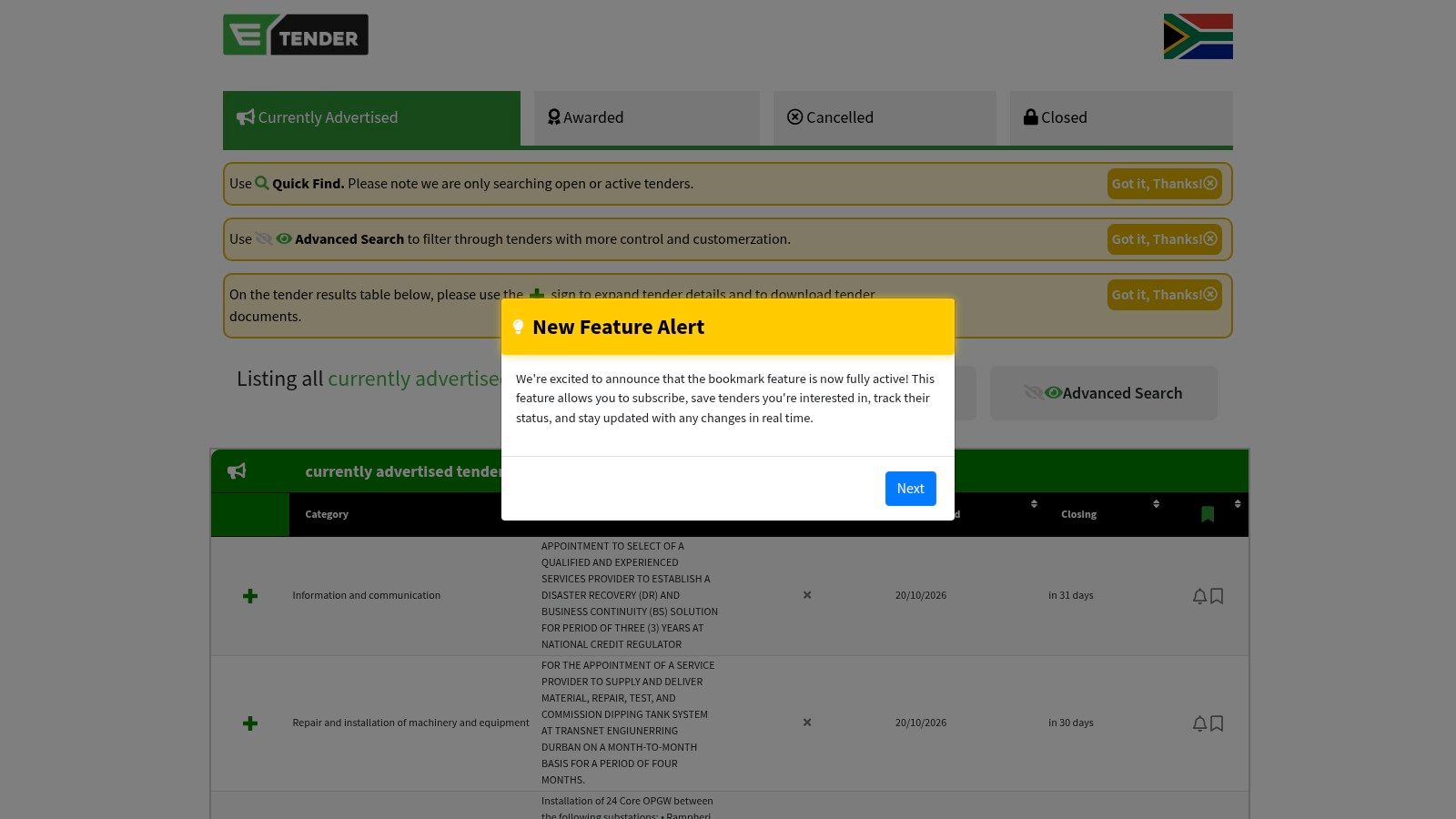
Read the full notice. The eTenders record for CE 587, for example, specifies a compulsory briefing, delivery in Chiselhurst and a 36-month contract period. A summary can miss details that determine whether your bid is valid.
Broad coverage means extra filtering. Check the buyer's site for documents, amendments and submission instructions. You can also browse tenders across South Africa to spot opportunities, then verify them at source.
5. TenderDirect
TenderDirect helps you find and track opportunities across buyers. Search by keyword, location, buyer or reference; set alerts; and save bids in a supplier workspace.
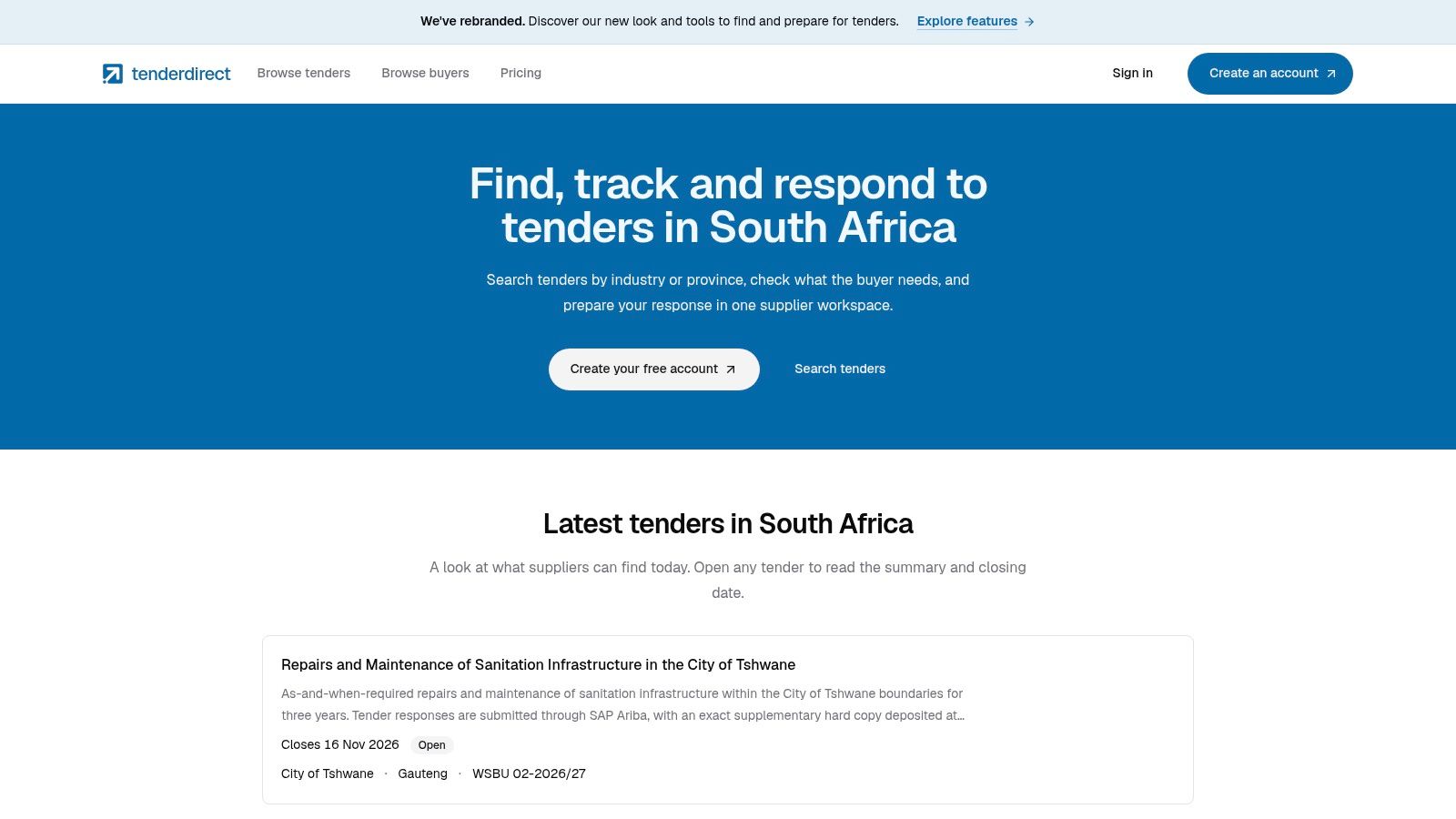
A free account provides access to full briefs and downloads within 72 hours of closing, while paid province-based plans provide earlier access. The Professional plan starts at R499 per month for one province. Public previews let you screen relevance first.
Where it fits, and where it doesn't
- Use it for: Alerts, shortlisting and organising applications.
- Do not use it as: A substitute for the buyer's bid pack or submission channel.
Before submitting, return to the official notice to check the latest documents and addenda.
6. Eastern Cape Department of Transport Tenders
The Eastern Cape Department of Transport tenders page lists departmental opportunities, including road and bridge work, maintenance and learner transport. Check it if your services fit transport infrastructure or operations.
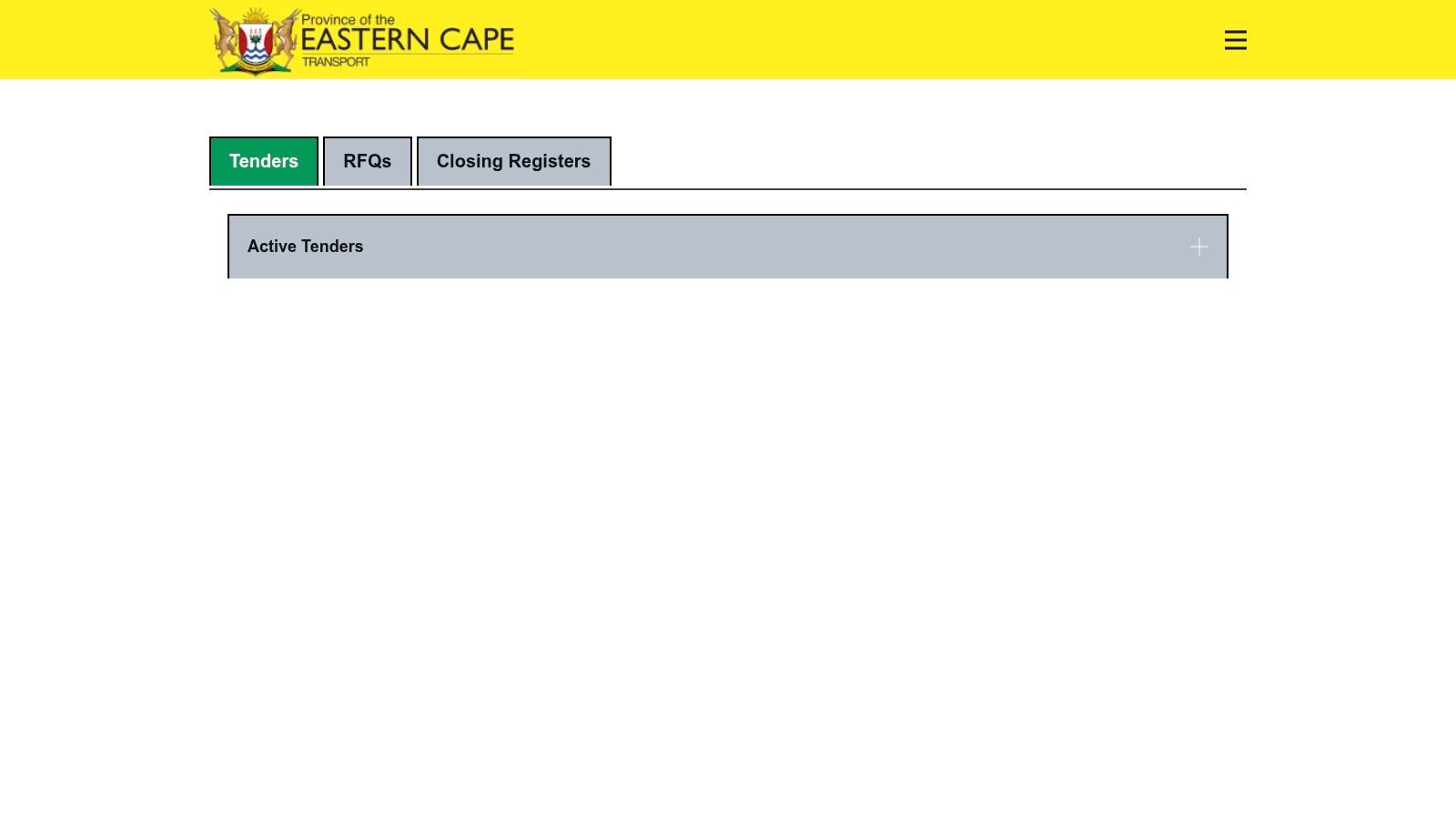
The department buys across the province. Confirm the site, technical requirements and submission office before treating a listing as a Buffalo City opportunity. A project in the metro does not automatically have BCMM as its buyer.
7. Eastern Cape Department of Public Works and Infrastructure Tenders
The Eastern Cape Department of Public Works and Infrastructure tenders page lists construction, maintenance and professional-services opportunities by bid number and region, with documents where available.
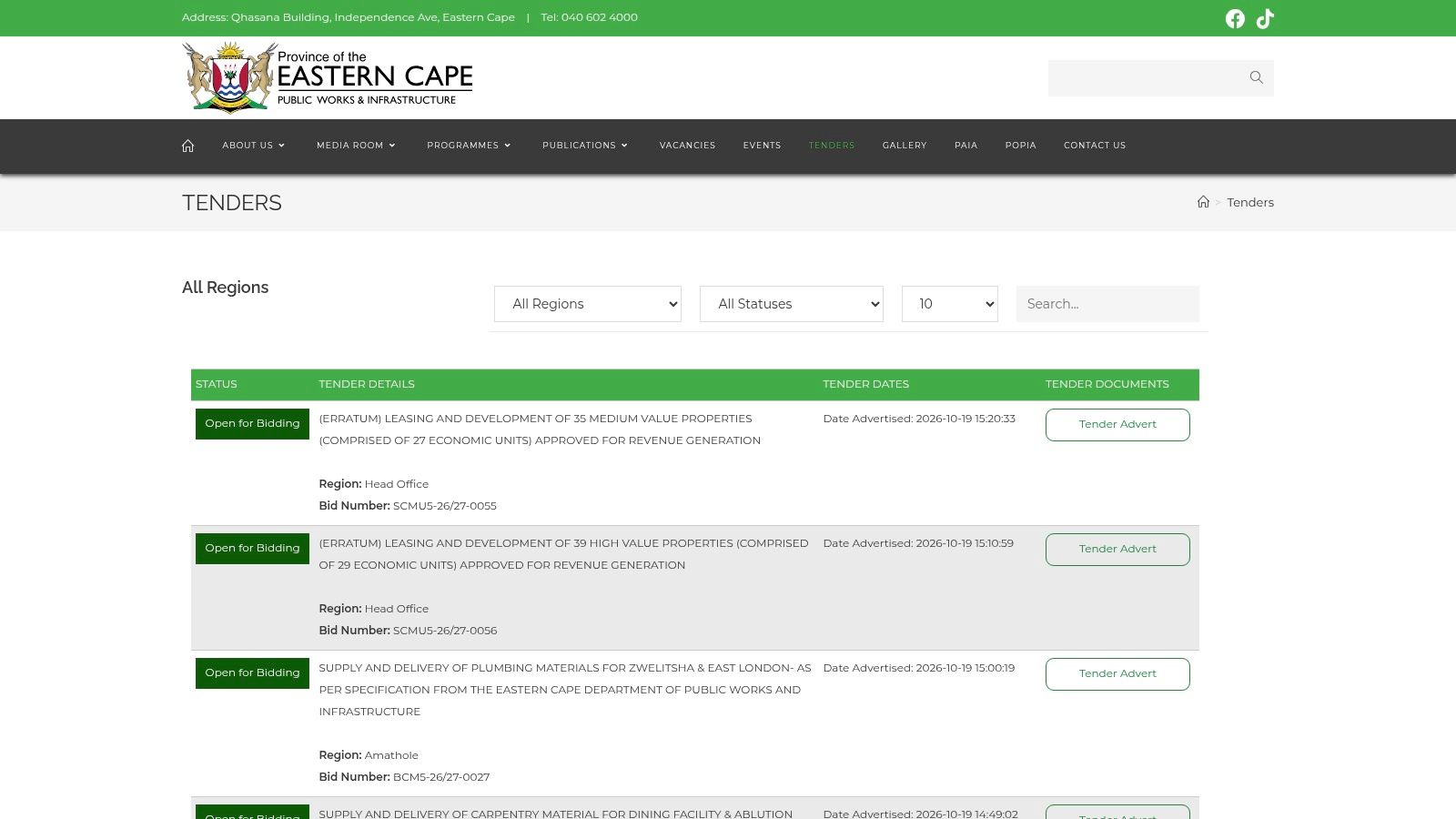
Search by region, then confirm the project location. This source can reveal provincial building work that never appears on BCMM's site.
Checks before you commit
- Location: Can you deliver at the listed site?
- Documents: Are the dates, downloads and addenda complete?
- Eligibility: Do you meet the stated technical requirements?
Browsing Eastern Cape tenders can help you scan regional leads, but check the department's documents before bidding.
Buffalo City Tender Sources: 7-Point Comparison
| Source | Access | Best use | Check before bidding |
|---|---|---|---|
| BCMM Tender Documents | Free public listings | Municipal tenders and RFQs | Bid pack, addenda and submission route |
| BCMM E-Procurement Vendor Portal | Supplier sign-in may apply | Bids directed to the portal | Registration and online submission requirements |
| BCMDA Tenders | Free public notices | Agency construction and service work | Agency-specific eligibility and instructions |
| South Africa's eTenders Portal | Free public search | Opportunities across government buyers | Buyer, briefing and delivery details |
| TenderDirect | Free account and paid plans | Alerts and application tracking | Official documents and submission channel |
| Eastern Cape Department of Transport | Free public listings | Provincial transport work | Project location and technical requirements |
| Eastern Cape Department of Public Works and Infrastructure | Free public listings | Provincial building and maintenance work | Region, documents and eligibility |
Treat any listing that lacks a complete bid pack or clear submission instructions as a lead, not a bid-ready notice.
Build a Reliable Tender-Monitoring Routine
Check BCMM for municipal work, BCMDA for agency opportunities, eTenders for wider coverage and the two provincial departments for work in your service area. Use alerts to avoid relying on occasional searches.
For each shortlist, record the buyer, reference, closing time, briefing, delivery location and submission channel. Check whether the opportunity is a quotation, once-off contract or panel, and whether appointment guarantees any work. Download the latest documents, review addenda before pricing and keep proof of submission.
TenderDirect can help organise that routine. The buyer's current notice and bid pack still decide what makes a compliant bid.
Set up Buffalo City and Eastern Cape alerts, save relevant opportunities and track your applications with TenderDirect's free plan. Verify every shortlisted bid at source before submitting.